PoolGearGuide

Pool Chlorine Calculator: How Much Chlorine to Add

By the PoolGearGuide editorial team · Updated 2026-07-03

Share

Chlorine dose calculator

Add about 32 fl oz of 12.5% liquid chlorine to raise free chlorine by 2 ppm.

Treat this as a starting dose: add less than the full amount when unsure, circulate for a few hours, retest, repeat. Always follow your product's label.

A pool chlorine calculator tells you how much chlorine to add by comparing your current free chlorine, your target free chlorine, your pool volume, and the strength of the product you plan to use. That is much better than the classic backyard method of squinting at the water and whispering, “Probably one more jug.”

Key takeaways

How does a pool chlorine calculator work?

A chlorine calculator measures the gap between where your free chlorine is now and where you want it to be. Then it uses pool gallons and product strength to estimate the dose.

That sounds simple, but it solves the biggest chlorine problem: guessing. A 7,500-gallon above-ground pool and a 28,000-gallon inground pool do not need the same amount. A 10% liquid chlorine jug and a weaker product do not dose the same way. Chlorine tablets are not the same as liquid chlorine. Granular products can add other things to the water.

For the calculator, use these inputs:

InputWhy it mattersWhat goes wrong when guessed
Pool gallonsDose scales with water volumeSmall pools get overdosed; large pools get underdosed
Current free chlorineShows the starting pointPeople add chlorine to water that may already have enough
Target free chlorineShows the needed increaseUsers chase random numbers instead of a goal
Product typeDifferent products dose differentlyTablets get treated like liquid, which they are not
Product strengthControls the actual amountA strong product gets added like a weak one
Cyanuric acid useChanges minimum sanitizer guidanceStabilized pools can be misread as “fine”

The first internal link on this page should be the pool volume calculator. If the volume is wrong, every chemical result after that is wearing a fake mustache.

What numbers do you need before adding chlorine?

Before adding chlorine, test free chlorine, pH, and cyanuric acid if you use stabilized products. Also confirm pool volume. The calculator is only as smart as the numbers you feed it.

CDC’s home pool guidance recommends pH 7.0–7.8 and at least 1 ppm free chlorine in pools. If cyanuric acid or stabilized chlorine products are used, CDC recommends at least 2 ppm free chlorine in pools. That is a useful baseline, not permission to ignore product labels, local rules, or weird water.

Start with this testing path:

  1. Test free chlorine.
  2. Test pH.
  3. Test cyanuric acid if the pool uses tablets, dichlor, trichlor, or stabilizer.
  4. Confirm pool gallons.
  5. Choose the exact chlorine product.
  6. Read the label.
  7. Use the calculator.
  8. Add product only as directed.
  9. Circulate and retest.

If pH is far off, use the pool pH calculator before you start chasing chlorine. Bad pH can turn a simple maintenance dose into a little backyard mystery novel.

What chlorine level should your pool target?

Your target depends on the pool type, current water condition, cyanuric acid use, product label, and whether anyone is about to swim. A clean pool getting routine maintenance does not need the same treatment as a green pool that looks like it has opinions.

Use the calculator with clear modes:

ModeBest forCalculator behavior
Routine maintenanceClear water with slightly low chlorineSmall increase to target range
After heavy swimmingPool party, heat, rain, or heavy useModerate increase and retest reminder
Cloudy water supportWater is dull but not greenLink to diagnosis before over-dosing
Green pool cleanupAlgae is visibleSend user to shock calculator and cleanup guide
Saltwater pool checkSalt cell is not keeping upLink to salt and CYA checks

This page should not make the calculator act like a doctor with one prescription. Give users the dose estimate, then tell them why that dose is not the whole story.

If the water is green, send readers to how to clean a green pool and the pool shock calculator. A chlorine calculator can help with routine dosing, but a green pool needs brushing, filtration, testing, and patience. Terrible news for people who wanted to throw in one scoop and go back inside.

Which chlorine product should you choose?

Choose chlorine based on the job: quick increase, steady maintenance, shock treatment, or salt system support. The product matters because chlorine products can add different side effects.

ProductCommon useWatch out for
Liquid chlorineFast chlorine increaseStrength varies and degrades over time
Chlorine tabletsSlow, steady feedOften stabilized; can raise cyanuric acid over time
DichlorGranular stabilized chlorineAdds cyanuric acid
TrichlorSlow-dissolving stabilized chlorineAcidic and adds cyanuric acid
Cal-hypoStrong granular chlorine/shockAdds calcium and can cloud water temporarily
Salt chlorine generatorMakes chlorine from salt in the waterStill needs testing, salt level checks, and cell maintenance

For a product card module, split the links by job instead of dumping a chemical wall onto the page.

What you need

  • Liquid chlorine: Good for quick dosing when label directions match the need.
  • Chlorine tablets: Useful for steady chlorination in some pools.
  • Full test kit: The calculator needs real test results.
  • Safety gloves and goggles: Your eyes are not a testing surface.
  • Pool chemical storage bin: Helpful if chemicals currently live in a damp corner of chaos.

Link the supply cards to /products/maintenance-supplies, and make every affiliate link use a clear disclosure. The reader should know you may earn a commission before they click.

How do you add chlorine without causing pool drama?

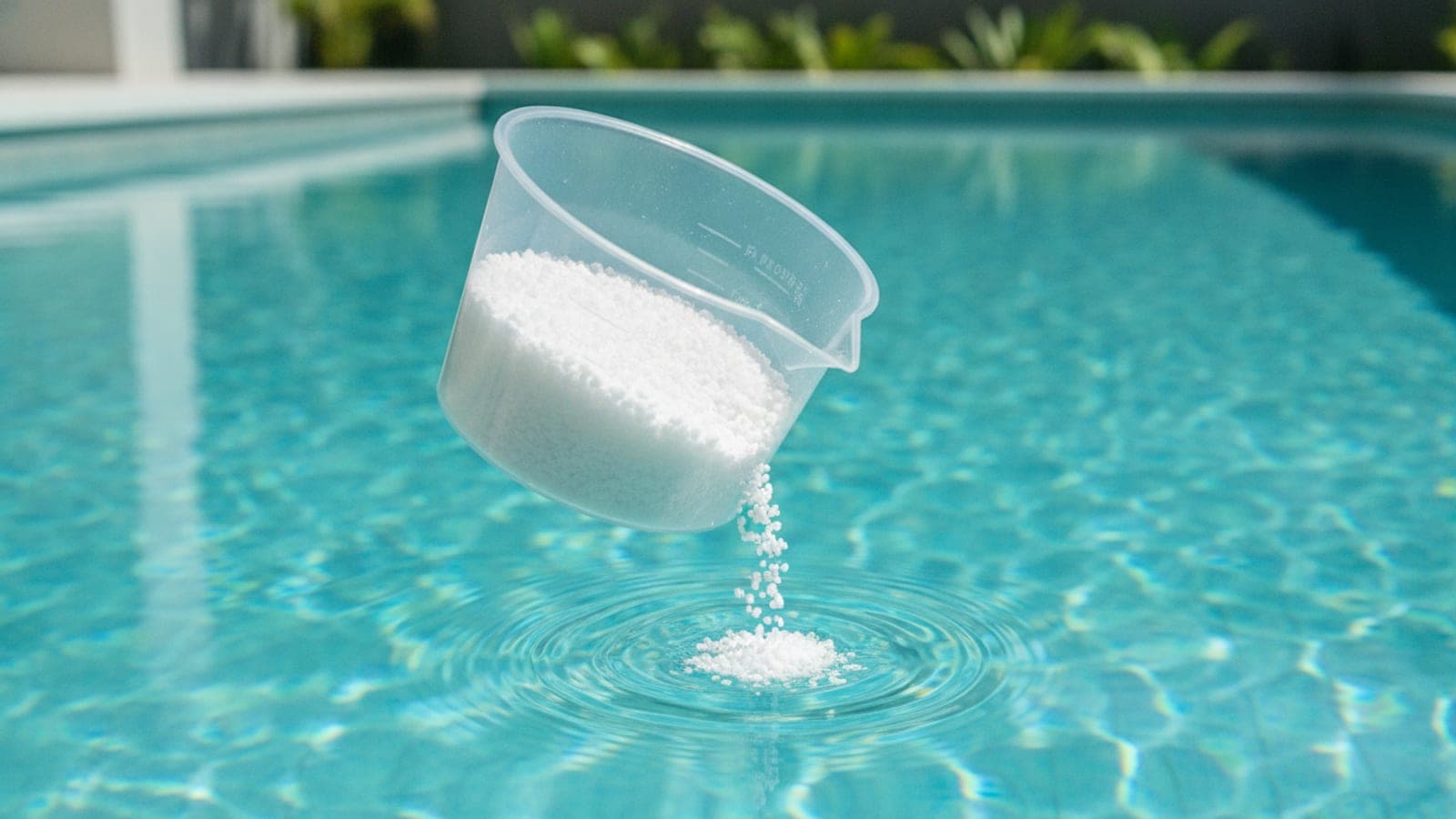
Add chlorine by testing first, dosing from pool volume, following the product label, keeping products separate, circulating the water, and retesting before swimming. Do not mix products in a bucket unless the label specifically tells you to. The pool shed is not a place to freestyle.

A safe process:

  1. Put on gloves and eye protection if the product calls for it.
  2. Keep the chemical container dry.
  3. Add one product at a time.
  4. Follow label instructions for how and where to add it.
  5. Run the pump.
  6. Brush if algae or film is present.
  7. Keep swimmers out until test results and label directions say the water is safe.
  8. Store chemicals separately, dry, and away from incompatible products.

CDC’s pool chemical safety guidance says stored pool chemicals should be protected from getting wet and from mixing with other chemicals or substances. EPA’s pool chemical safety alert also focuses on preventing fires, toxic vapor releases, and injuries from poor storage or handling.

This is where the article should be firm. People can disagree about pool brands. They should not disagree about not mixing chlorine and acid in a bucket.

What if the chlorine disappears overnight?

If chlorine disappears overnight, the water may be fighting organics, algae, sunlight exposure, low stabilizer, high bather load, or contamination. The next step is testing, not panic-shopping.

Use this diagnosis table:

SymptomLikely issueNext move
Free chlorine drops fast in full sunLow CYA or high sun exposureTest CYA and review stabilizer guidance
Chlorine drops fast overnightOrganics or algae may be consuming itBrush, filter, retest, consider shock process
Strong chlorine smellCombined chlorine may be involvedTest free and total chlorine if kit supports it
Green tint remainsAlgae is still active or debris remainsFollow green pool cleanup path
Water is clear but chlorine lowRoutine demand or weak productCheck product age and dosing math

If the pool uses stabilized chlorine, send readers to the CYA calculator. Cyanuric acid can help outdoor chlorine last longer, but too much of anything around pool chemistry eventually starts acting like it owns the place.

What should the calculator output show?

A useful chlorine calculator should show the estimated dose, the math assumptions, and the next action. A number by itself is not enough.

The result should include:

  • Pool gallons used.
  • Current free chlorine.
  • Target free chlorine.
  • Product type.
  • Product strength.
  • Estimated product amount.
  • Label reminder.
  • Safety reminder.
  • Retest timing reminder.
  • Links to related tools.

Add warning logic for strange entries. If someone enters 90,000 gallons for a small vinyl pool or current chlorine of 45 ppm, the calculator should ask them to check the number. Not in a smug way. In a “your thumb may have attacked the keyboard” way.

The goal is not just more chlorine sales. The goal is helping people add less random chemical and get better water. That is the kind of page people bookmark, share, and come back to when the pool starts acting suspicious again.

Frequently asked questions

How much chlorine should I add to my pool?

You need your pool volume, current free chlorine, target free chlorine, and the product strength. The calculator estimates the amount, but the product label should control the final dose.

Can I use chlorine tablets to raise chlorine quickly?

Tablets are usually better for slow, steady chlorination. Liquid chlorine or some granular products are usually used when you need a faster adjustment, but always follow the label.

Why does the calculator ask for cyanuric acid?

CDC recommends at least 2 ppm free chlorine in pools when cyanuric acid or stabilized chlorine is used, compared with at least 1 ppm when it is not used.

Should I adjust pH before chlorine?

If pH is far outside the recommended range, fix that first. CDC recommends pH 7.0–7.8 for pools, and chlorine performs better when water is not wildly out of balance.

Can I mix different chlorine products?

No. Do not mix pool chemicals. Store and add products according to their labels and safety directions.

The weekly skim

One short email a week: what to test, what to buy, and what to skip. No daily drip. Unsubscribe anytime.

Keep reading