Can you leave a pool robot in the pool? Usually, no — not as a permanent habit. Some models support weekly timer modes, but the safer default is to remove the robot after the cycle, rinse the filter, let it drain, and store it somewhere dry and shaded.
That may be mildly annoying. So is buying a replacement part because your robot lived full-time in chlorinated soup like a tiny submarine with poor boundaries.
Key takeaways
- Do not treat “waterproof” as “lives in the pool forever.” Those are not the same sentence.
- Some robots have weekly scheduling modes, but that does not mean every model should stay submerged all week.
- Remove the robot before swimming, shocking, major chemical adjustments, and long periods of non-use.
- Clean the filter after each cycle so the next run is not a clogged disappointment.
- Store the robot dry, shaded, and off rough surfaces when you are not using it.
Table of contents
- What is the safe default?
- Why do some robots have weekly timers?
- When should you always remove the robot?
- Can chemicals damage a pool robot?
- Can you swim while the robot is in the pool?
- What happens if you leave it in too long?
- How should you store it after cleaning?
- What should you buy if storage is annoying?
- What is the practical routine?
What is the safe default?
The safe default is to remove your pool robot after the cleaning cycle, empty the filter, rinse it, let the robot drain, and store it out of direct sun. That habit protects the filter, cable, brushes, tracks, plastic body, seals, electronics, and battery system.
Maytronics gives a helpful example: it recommends removing a Dolphin robot after each cycle to empty and clean the filters, while noting that models with weekly timer or Eco Mode can remain in the pool for that weekly cycle. That is a model-specific exception, not a universal permission slip.
For cordless robots, manuals often lean even harder toward removing the cleaner after the task and cleaning the filter box right away. Batteries, charging contacts, seals, and water chemistry are all part of the equation.
The practical rule is simple: if your manual does not clearly say the robot can stay in, assume it should come out.
Why do some robots have weekly timers?
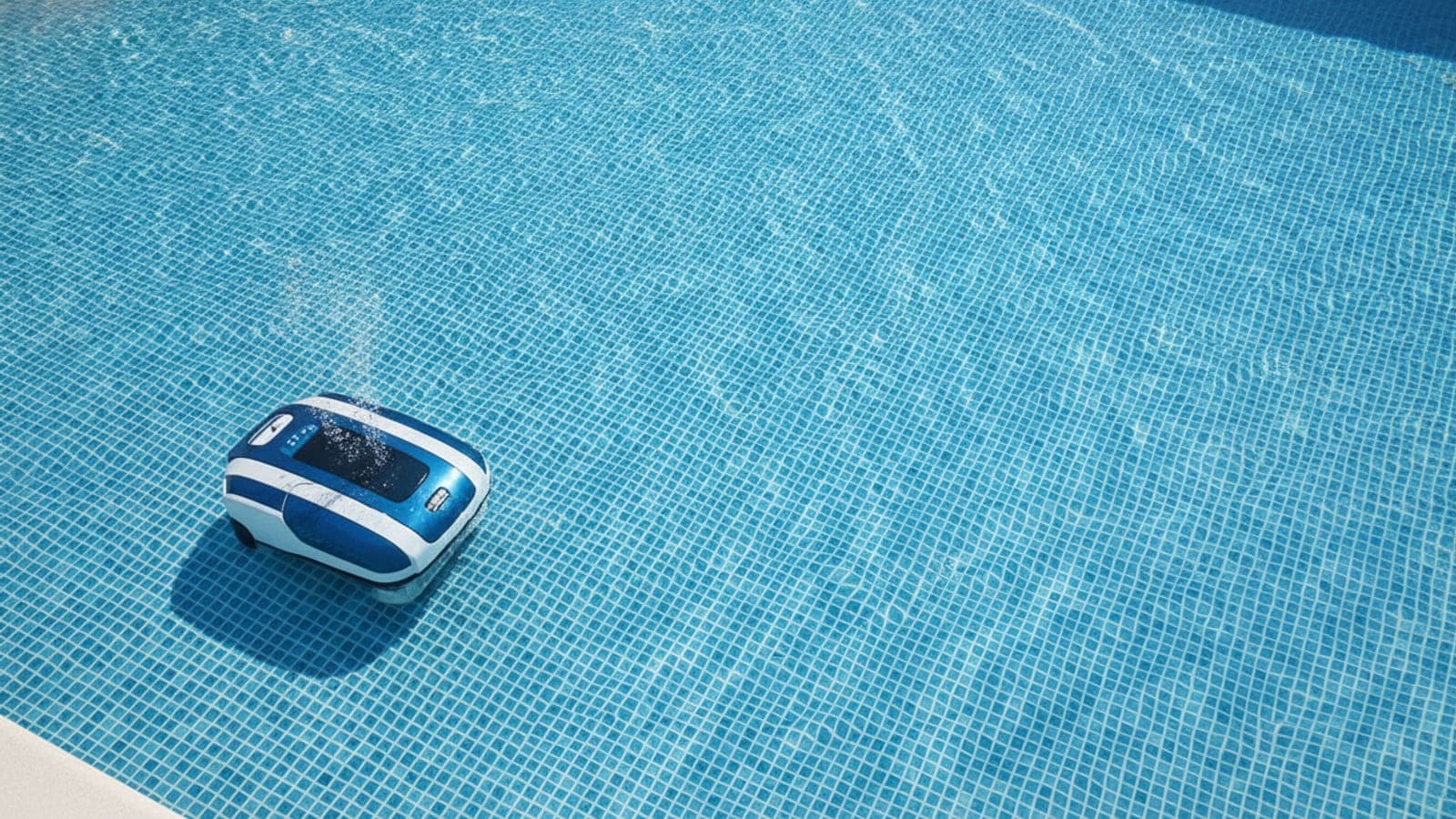
Some pool robots include weekly timers, app scheduling, Eco Mode, or similar features because homeowners want the pool cleaned on a routine without manually starting every cycle. These modes can be useful, especially during swimming season.
But scheduling features are not the same as permanent underwater storage. A weekly timer means the manufacturer designed that model for scheduled operation under certain conditions. It does not mean you should leave the robot in through shocking, parties, storms, winter, low water, bad chemistry, or a month of neglect.
Use timer modes when:
- Your manual allows it.
- The water is balanced.
- The filter is not getting packed every run.
- The robot is not in the way of swimmers.
- The cord is not a hazard.
- You still remove and clean it on schedule.
Do not use timer mode as an excuse to ignore the cleaner. If the basket is full, the robot is not on vacation. It is just stuck at work.
When should you always remove the robot?
Always remove the robot when the pool is being used, when you are adding major chemical doses, when the water is badly out of range, when storms are expected, when water level is low, or when you will not be using it for a while.
Pull it out before:
- People or pets swim.
- You add shock or large chemical doses.
- You lower or raise pH aggressively.
- You treat algae.
- The pool is winterized or closed.
- A severe storm is coming.
- The water level is below normal operating range.
- The robot is floating, stuck, or tangled.
- The cord crosses a walkway or swim area.
This is especially important if the robot has a power cord. Cords are not decorations. They are trip hazards, tangle hazards, and a great way to make the pool deck feel like a bad garage.
If your cleaner is cordless, you still remove it before swimming. Cordless does not mean swimmer-friendly.
Can chemicals damage a pool robot?
Poor water chemistry can be hard on a pool robot over time, especially if the robot sits in the water when chlorine, pH, salt, or other chemical levels are outside the normal range. The occasional cleaning cycle is different from constant soaking.
The highest-risk moments are not normal balanced water. They are chemical events:
| Situation | Why the robot should come out |
|---|---|
| Shocking the pool | Chlorine can be temporarily high during treatment |
| Lowering pH with acid | Localized acid concentration can be harsh before dilution |
| Raising pH or alkalinity | Undissolved product can settle or cloud the pool |
| Algae treatment | Filters and brushes can load up fast |
| Salt adjustment | Salt should dissolve and circulate before equipment assumptions |
| Cloudy recovery | Robot filters may clog quickly |
The robot is not there to mix chemicals. Use the pool chemical safety guide, follow product labels, circulate the water, and retest before putting the robot back in.
If you are adding chemicals based on pool size, use the pool volume calculator first. Guessing chemical doses is how pool owners accidentally create science fair drama.
Can you swim while the robot is in the pool?
No. Do not swim while the robot is in the pool. Remove the cleaner, remove the cord if it has one, and make sure the pool is safe before anyone gets in.
This advice is not just lawyer language. It is practical. A pool robot can create:
- Cord tangles
- Trip hazards
- Suction or movement surprises
- Obstacles in shallow areas
- Electrical equipment concerns
- Battery/equipment issues if misused
Several robotic cleaner manuals warn against operating the cleaner while people or animals are in the pool. That is enough. The robot can have the pool when people are out. People can have the pool when the robot is out. It is a very workable custody agreement.
What happens if you leave it in too long?
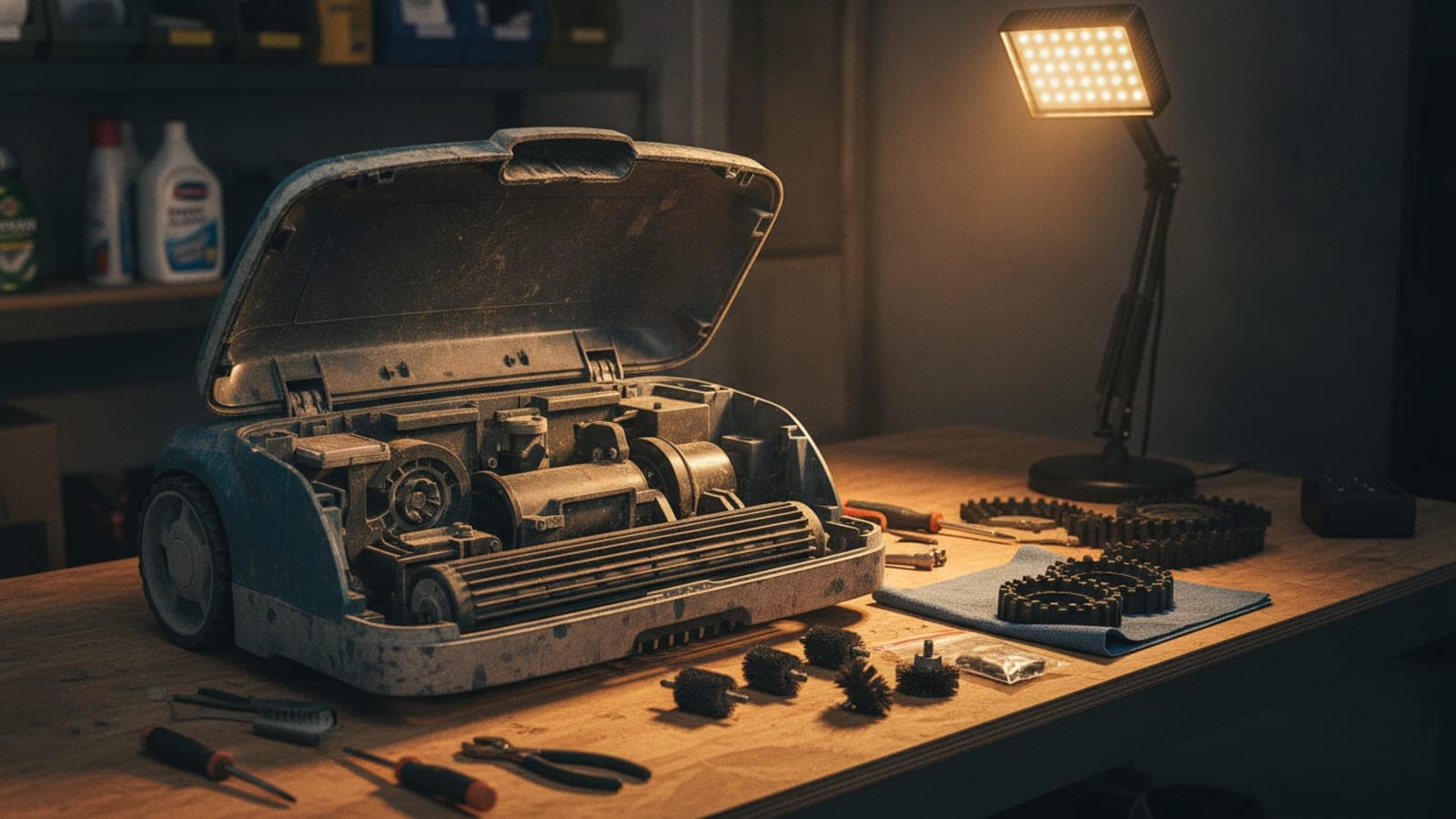
Leaving a pool robot in too long can lead to clogged filters, stained baskets, sun-faded plastic, worn brushes, cord memory, dirty tracks, battery stress, and general robot grumpiness. Not every problem happens immediately, but the habit adds up.
Common issues include:
- Dirty filters. Debris dries, sticks, and blocks water flow.
- Biofilm and slime. Wet debris sitting in a basket is not a spa treatment.
- Cord tangles. Corded units can develop annoying twists if stored poorly.
- UV damage. Deck storage in full sun can be rough on plastic and rubber.
- Chemical exposure. Constant soaking in imperfect water is harder than normal use.
- Battery/contact problems. Cordless units need proper drying and charging habits.
- Wear parts aging faster. Brushes, treads, tracks, and seals are not immortal.
This does not mean panic if you forgot the robot overnight. It means permanent soaking should not be your operating plan.
How should you store it after cleaning?
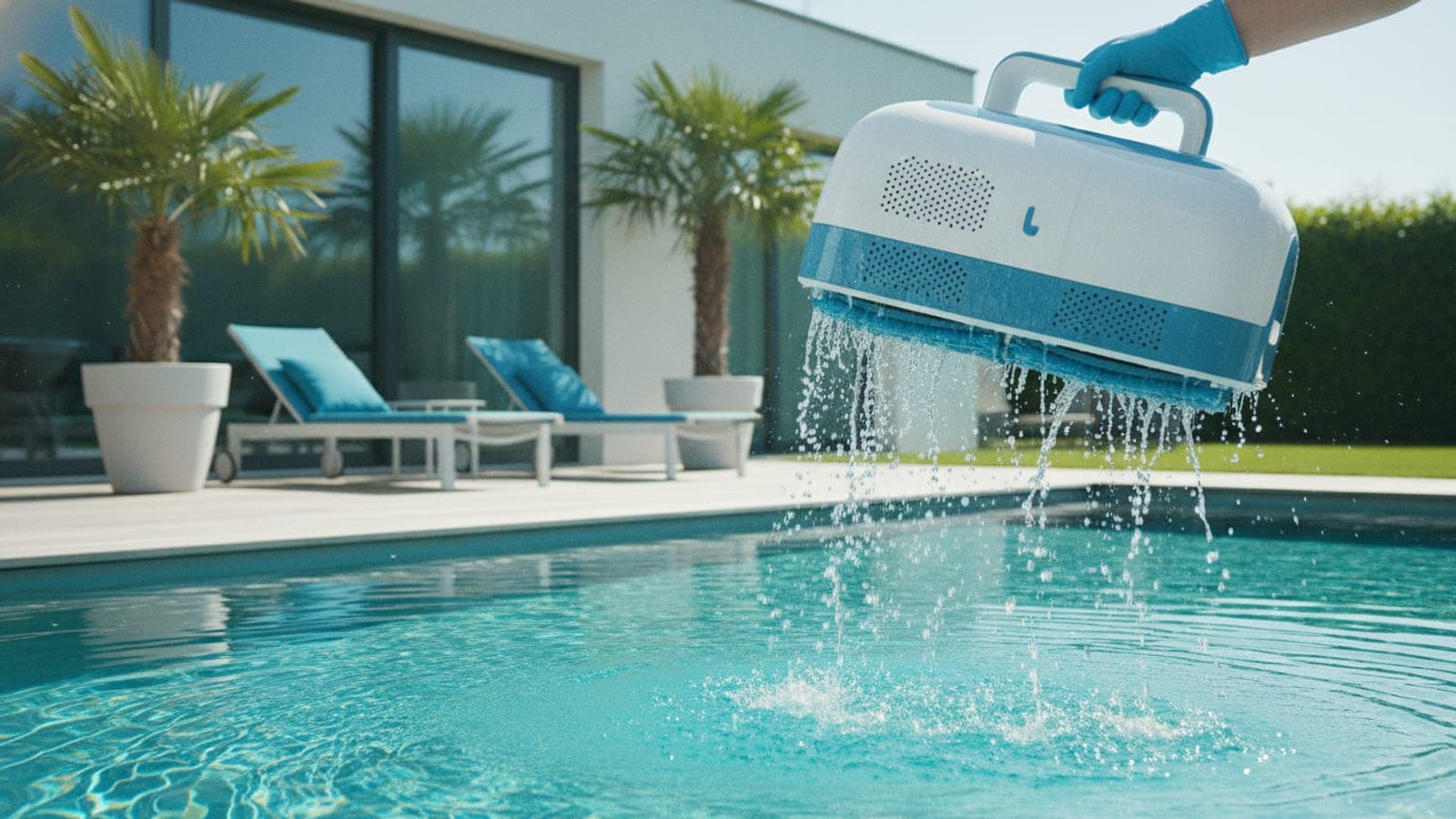
Store the robot dry, shaded, and clean. Let it drain before moving it far, rinse the basket, and keep the cord or charging contacts in good shape.
A simple storage routine:
- Turn the unit off or disconnect power according to the manual.
- Pull the robot out using the handle, not the floating cord.
- Let it drain at the pool edge.
- Empty the basket or filter panels.
- Rinse filters with a hose.
- Rinse debris from tracks, wheels, and brushes.
- Check for hair, string, palm fibers, or tiny pool goblins near the impeller area.
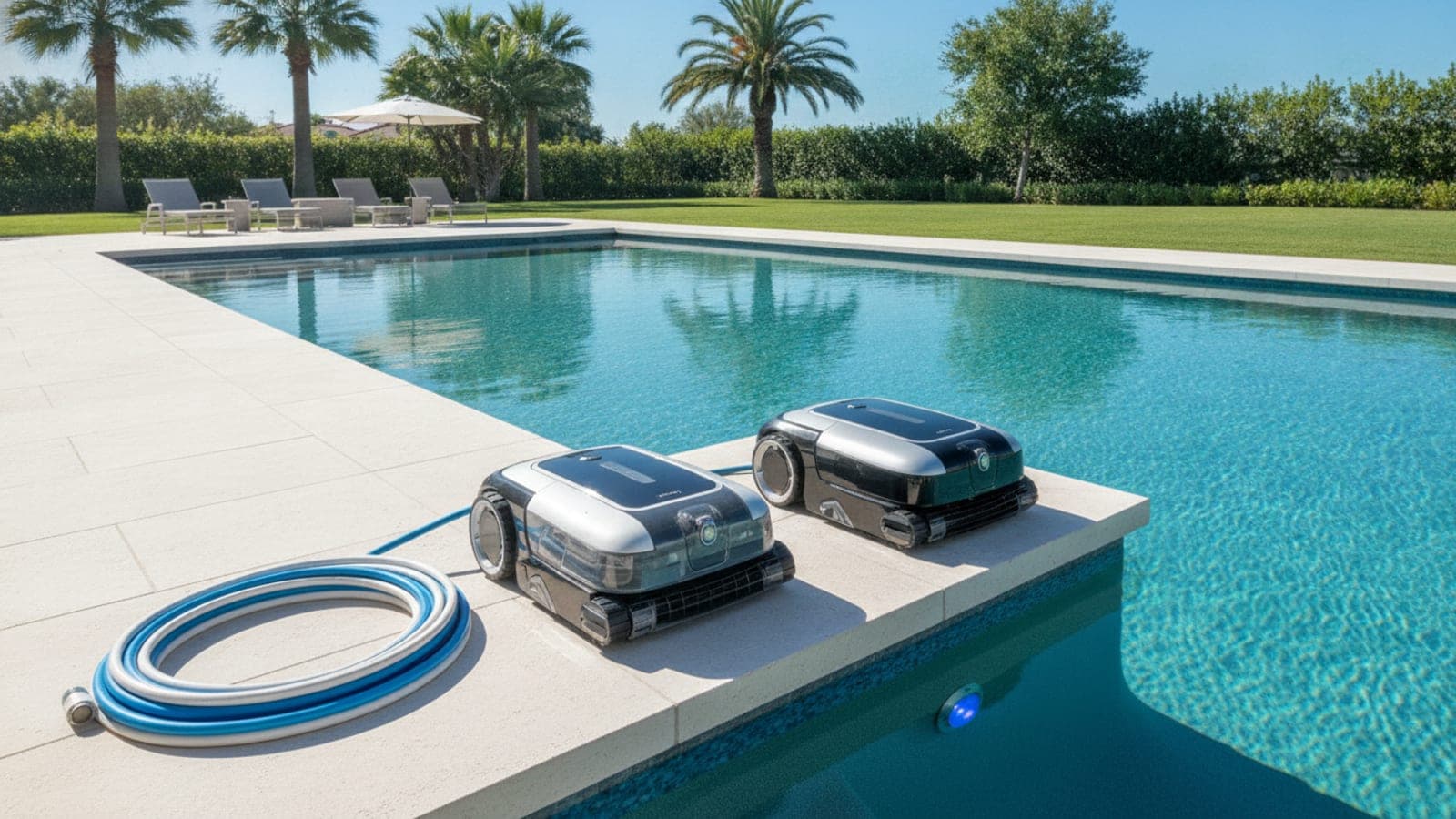
- Store the robot in shade or on a caddy.
- Coil the cord loosely if the model has one.
- Charge cordless models according to the manual.
The caddy is not mandatory, but it is nice if the cleaner is heavy. It also stops the cord from becoming a deck spaghetti situation.
What should you buy if storage is annoying?
Storage problems usually come from weight, cord mess, filter mess, or not having one clean place to put the robot. You do not need to buy every accessory. Buy the one that fixes the friction point.
What you need
- A pool robot caddy if your cleaner is heavy, corded, or awkward to move.
- A replacement filter basket if your current basket is cracked, stained, or hard to rinse.
- Ultra-fine filter panels if your issue is pollen, sand, or fine dust.
- A robot storage cover if the robot lives in a garage or patio area with dust and sun exposure.
- A cordless robotic pool cleaner if your main complaint is cord handling.
- A pool chemical test kit because bad water chemistry is not kind to equipment.
Disclosure: PoolPros may earn a commission when you buy through links on this page. As an Amazon Associate, we earn from qualifying purchases.
Internal product modules to add:
- Best cordless robotic pool cleaners
- Best robotic pool cleaners for small pools
- Pool robot caddies and storage accessories
- Replacement filter baskets and ultra-fine panels
What is the practical routine?
The practical routine is to run the robot, remove it, rinse the filter, let it drain, and store it in the shade. Use weekly timer mode only if your manual allows it and you are still checking the robot regularly.
Here is the no-weirdness checklist:
- Run the robot when the pool is empty.
- Remove it after the cycle unless your model and schedule call for temporary in-pool operation.
- Clean the filter after every run.
- Keep it out during chemical treatments.
- Store it dry and shaded.
- Check the manual before using weekly timer or app scheduling features.
- Do not use the floating cable as a handle.
- Do not leave a cordless unit sitting wet and uncharged for long stretches.
If you are trying to decide whether a robot is still worth owning, use the robot vs pool service cost calculator. If you are still shopping, start with the robotic cleaner product hub instead of buying whatever has the loudest sale badge.
External sources to verify before publishing
Frequently asked questions
Can you leave a pool robot in the pool?
You usually should not leave a pool robot in the water permanently. Some models allow short-term scheduling or weekly timer use, but the safer habit is to remove it after the cycle, clean the filter, and store it dry and shaded.
Can I leave a Dolphin pool cleaner in the pool?
Maytronics says Dolphin robots with weekly timer or Eco Mode can remain in the pool for the week, but it also recommends removing the robot after each cycle to empty and clean the filters when not using those modes.
Can I leave a cordless pool robot in the pool?
Many cordless robot manuals recommend removing the cleaner after the task, cleaning the filter box, and avoiding extended soaking. Check your specific model manual.
Should I remove the robot before adding chemicals?
Yes. Remove the robot before shock treatments, heavy chemical adjustments, or any chemical addition where the label or manual recommends keeping equipment out until water is circulated and retested.
Where should I store a robotic pool cleaner?
Store it dry, shaded, and away from direct sun and extreme temperatures. A caddy is useful if the robot is heavy or the cord is annoying.
Can I swim while the robot is in the pool?
No. Remove the robot and cord before people or pets swim. Several manuals warn against operating the cleaner while people or animals are in the water.